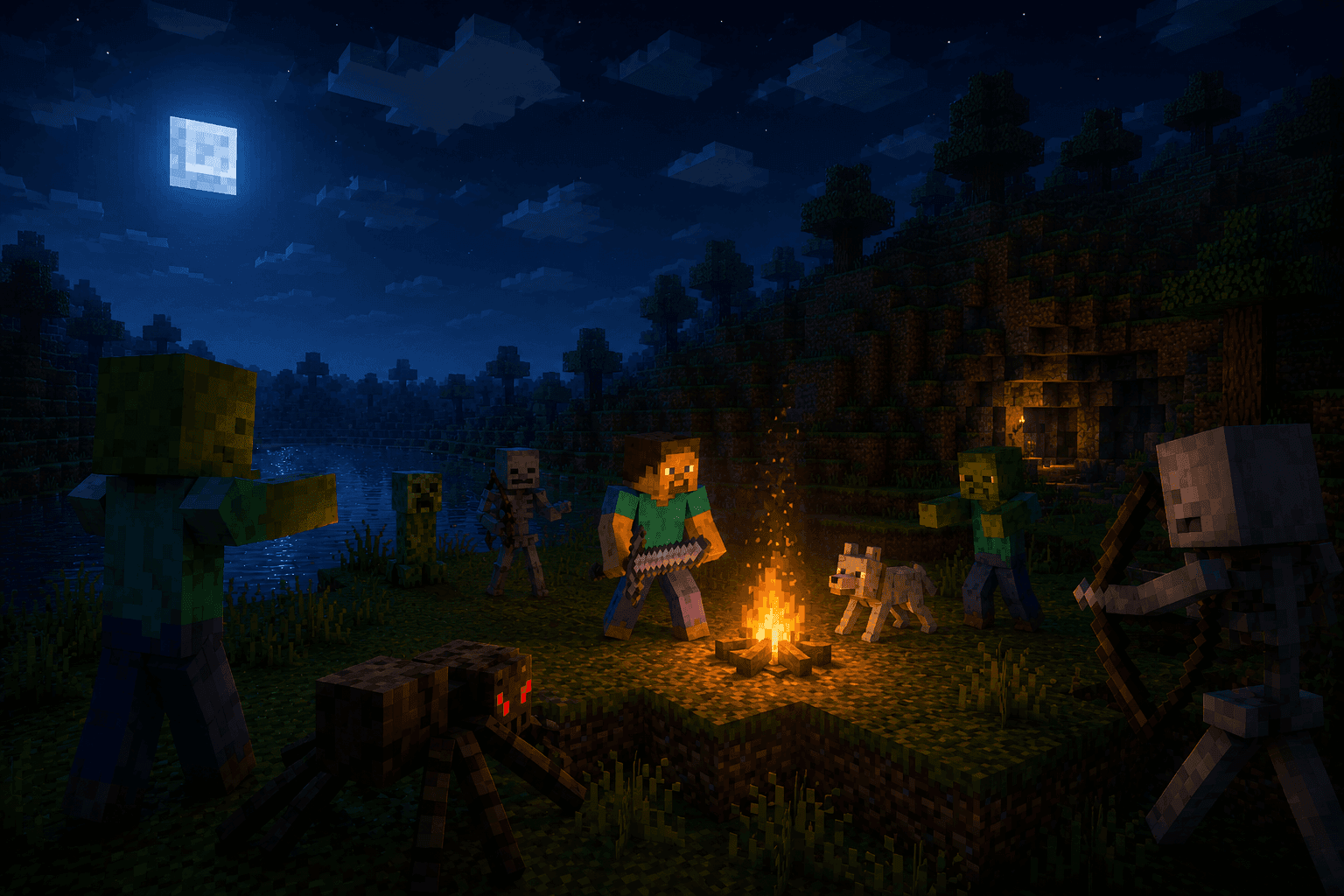
Survival
Most playedMine, craft and outlast the night in a world that keeps everything you build. Hunger, mobs and boss fights — the full loop.
Minecraft in your browser · free · unblocked at school
Open a world in seconds — survival, creative and multiplayer, running entirely in the browser on Eaglercraft. No download, no launcher, no account, and it works on a school Chromebook. Your progress saves as you play, so you can pick a world back up on any machine.
Three ways into the same game, one click each. Switch any time — every world is stored separately.
Mine, craft and outlast the night in a world that keeps everything you build. Hunger, mobs and boss fights — the full loop.
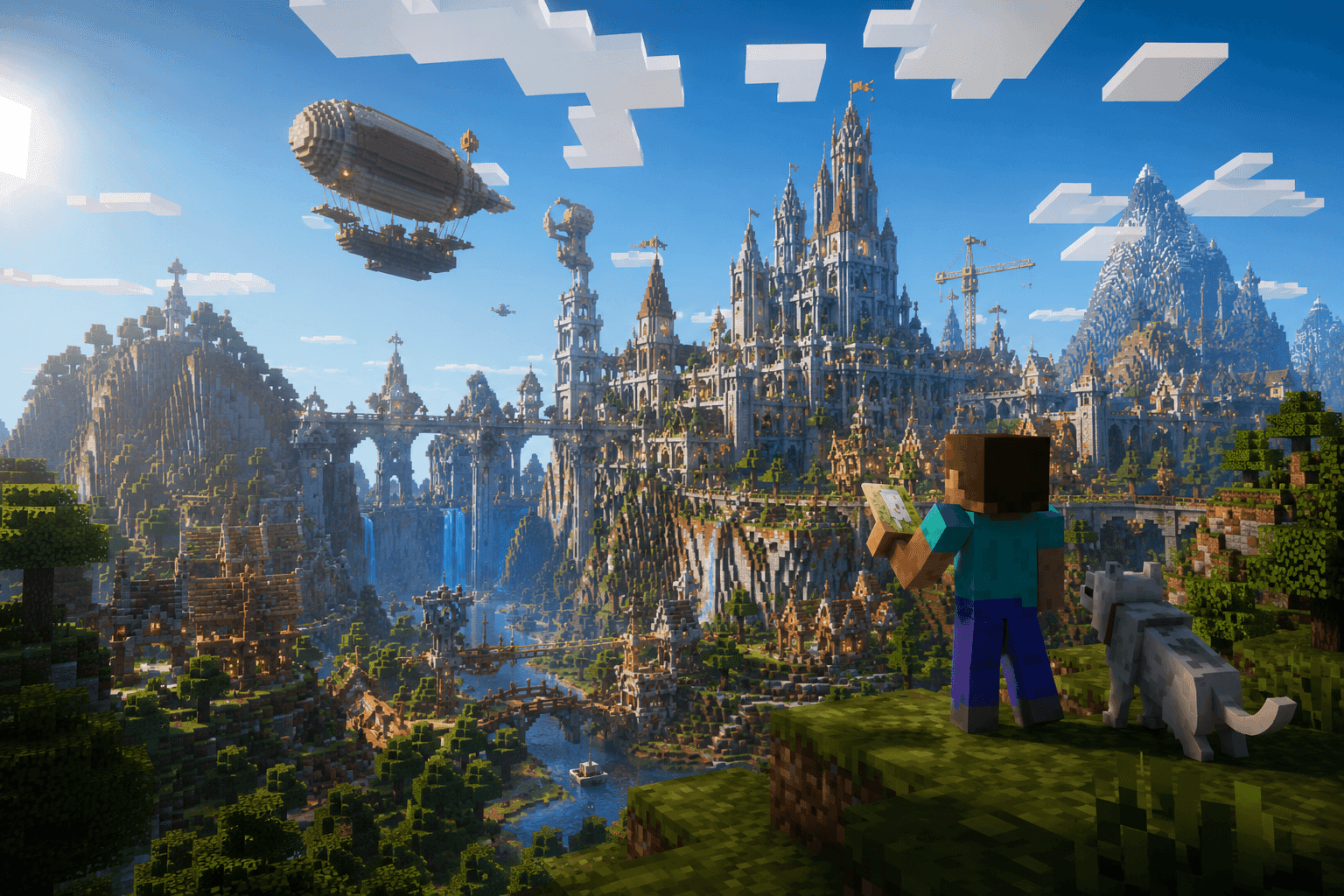
Every block unlocked, flight on, nothing hostile. The right mode for megabuilds, pixel art and redstone experiments.
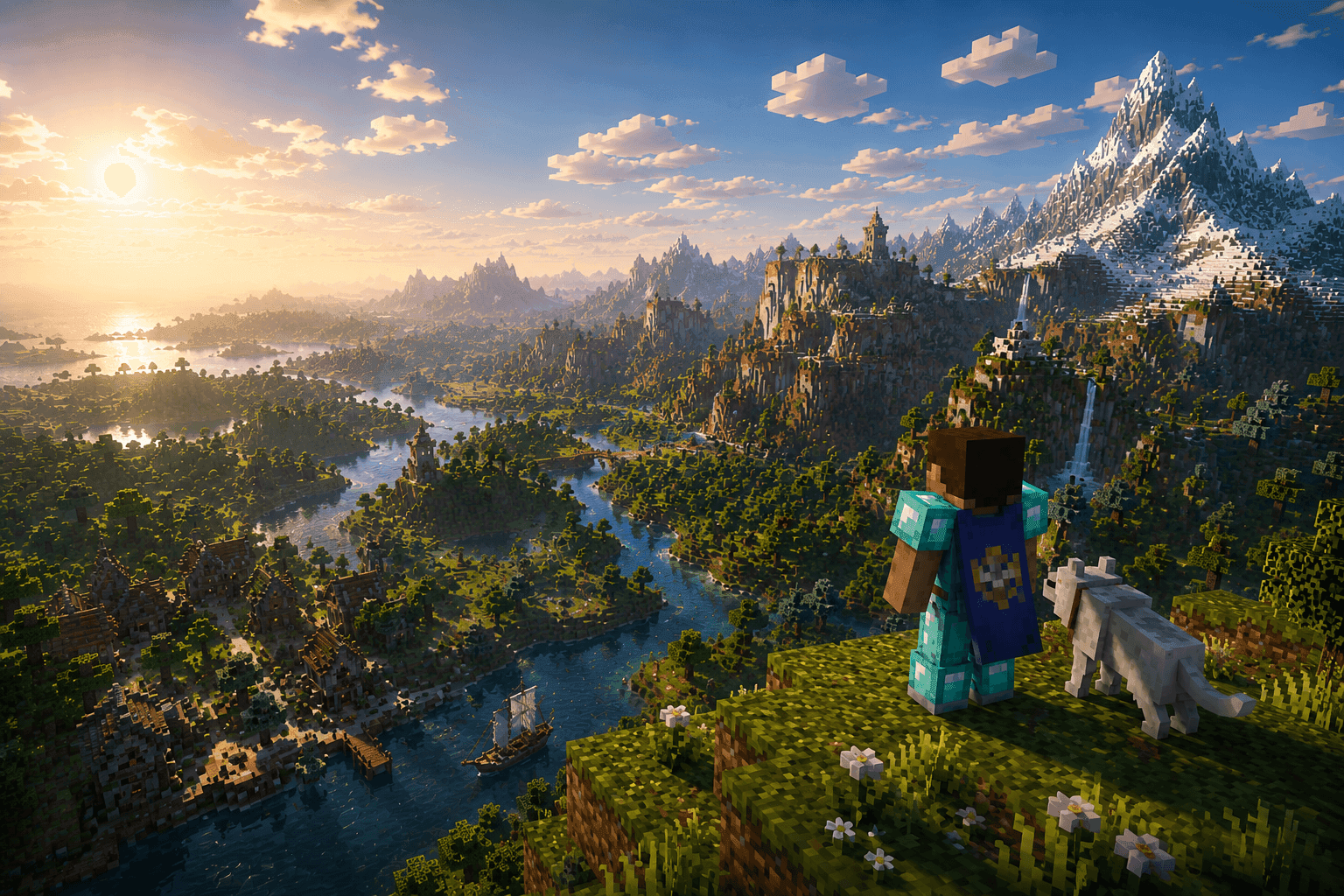
Join a public Eaglercraft server or open your own world and hand friends a join code — no port forwarding, no launcher.
Why MinePlay
The client streams as a web page. No Java runtime, no launcher, no admin rights on the machine — which is exactly why it works on locked-down school laptops.
1.5.2 for old hardware, 1.8.8 as the recommended default, 1.12 for the newer blocks. Switching versions never touches your saved worlds.
Saves live in your browser and export as a single .mpsv file whenever you want a backup. Sign in and they sync to your account too.
Our relay introduces the two browsers and then steps out of the way — joining a friend costs a five-character code instead of a network setup.
 Everything, everywhere — in one tab
0 s
from click to spawn screen
∞
stored in your browser
 Enchanted to the teeth
Jump into a public world with players already in it — every address is pinged live over wss://.
Shared worlds, live
Every lit square is a singleplayer world a player has opened to the relay. Publish yours and it appears here the second you do — no page reload for anyone.
Relay unreachable
0 worlds open now
Shared world openLandMinecraft online
Everything worth knowing before you spawn: what runs, where it saves, and how multiplayer works without a launcher.
MinePlay serves a full browser build of the sandbox game. There is no launcher, no Java runtime and no admin rights needed — the client downloads once, is cached, and opens straight into a world on the next click. That is what makes it work on locked-down school and office laptops, on Chromebooks, and on any desktop browser with WebGL support.
Start a survival world and fight through the first night, switch to creative for an unlimited block palette and flight, or join one of the public Eaglercraft servers for multiplayer. Every mode keeps its own worlds, so testing a build in creative never touches your survival save.
The 1.5.2 build is the lightest and runs comfortably on a decade-old machine. 1.8.8 is the recommended default with the fastest chunk loader and full multiplayer — it is also the version most servers run. 1.12 adds newer blocks and mobs for players whose hardware can take it. Each version page lists its client build, window size and what it supports.
Saves are written to your browser storage as you play — no upload and no account required. From your dashboard you can load, rename, export a world as a single .mpsv file or delete it. Signing in adds cloud backups, so clearing your browser does not cost you the base you spent a month on.
Open one of your singleplayer worlds to the MinePlay relay and it becomes a shared world: your browser is the server, friends join with a five-character code, and the connection between you is peer to peer. Prefer something that stays up while you sleep? The server list has dedicated Eaglercraft servers, pinged live over wss://.
MinePlay is an independent fan project and is not affiliated with Mojang Studios or Microsoft. Playing is free, no account is forced on you, and there are no fake download buttons. If you can buy the official game, buy it — this is for the machines and the moments where you cannot.
Before you play
The questions people actually search for — is it free, does it need a download, will it work on a school Chromebook.
Yes — playing Minecraft on MinePlay is completely free, with no account required and nothing to buy. A free account only adds cloud backups and world sync across devices.
No download and no install. The client is a web page: open it and a world loads in seconds. There is no launcher, no Java runtime and no admin rights needed on the machine.
Usually, yes. Because there is nothing to install there is no software for a filter to block, which is why MinePlay works on locked-down school laptops and Chromebooks. Follow your school's acceptable-use policy and play during free time.
Yes. Any browser with WebGL will do. On a Chromebook or a machine that's a decade old, pick the 1.5.2 client — it is the lightest of the three builds.
It is Eaglercraft, an open-source browser port of Minecraft Java Edition compiled to JavaScript and WebAssembly. It plays like the real thing. MinePlay is an independent fan project and is not affiliated with Mojang Studios or Microsoft.
Yes, two ways, both free. Join any server from the live server list, or open one of your own singleplayer worlds as a shared world and hand a friend the five-character join code — no port forwarding and no server to rent.
In your browser storage on the device you played on, saved automatically as you go. You can export any world as a single .mpsv file, and signing in backs them up to your account so a cleared browser doesn't cost you anything.
2 sessions played on MinePlay
More from us
Same idea, different classics — nothing to install, free to play.